Skip to content

Likes on Poshmark are a strong sign of buyer interest. When someone likes your item, they may be comparing prices, waiting for an offer, or saving the item for later.
That is where Offer to Likers (OTL) helps. It gives sellers a direct way to send a private discount offer to interested buyers and encourages them to buy sooner.
In this guide, you will learn how to send offer to likers on Poshmark, how the feature works, and how it differs from closet clear out.
Can You Send Offer to Likers on Poshmark?
Yes. Poshmark allows sellers to send private offers to users who have liked their listings. This feature is called Offer to Likers, often shortened to OTL.
An offer to likers on Poshmark lets you send a discounted offer directly to interested buyers without changing the public listing price for everyone else. This makes it useful when you want to encourage a sale while keeping your main listing price intact.
For example, if your item is listed at $40, you may send a private offer of $36 or lower to people who liked it. If one of them accepts, the sale is made at that offer price.
How Offers to Likers Works on Poshmark?

Offer to likers is built around one simple idea: a buyer shows interest by liking your listing, and you respond with a private deal.
When you send an offer to likers on Poshmark:
1. The offer goes only to eligible poshers who liked that item.
2. The discounted price is private.
3. Buyers have a limited time to respond.
4. The offer must meet Poshmark’s discount rules.
The 10% Discount Rule
For the first offer sent to a liker, the offer must generally be at least 10% lower than the current listing price.
For later offers to that same liker, the new offer must be at least 10% lower than the lowest offer they received on that listing in the past 90 days. This rule applies even if the earlier offer expired or was declined.
This is one reason sellers sometimes wonder why an offer did not reach every liker. Poshmark will not keep sending the same discount offer to the same buyer again and again.
What is the Difference Between “Offer to Likers” and “Closet Clear Out”?
Many Poshmark sellers confuse Offer to Likers with Closet Clear Out, but they are not the same. Both notify likers and encourage purchases. However, they work in different ways.
Offer to Likers
Offer to likers is a private seller-sent discount.
You choose the offer price and send it to the eligible likers of a specific listing. The public listing price does not change for everyone browsing your closet.
Closet Clear Out
Closet clear out is a Poshmark promotion tied to public price drops. During the event, sellers lower listing prices by at least 10%, and likers receive discounted shipping from Poshmark.
During a Poshmark closet clear out:
1. Sellers drop prices by at least 10%
2. Likers are notified
3. Buyers receive discounted shipping. The shipping discounts are covered by Poshmark.
How Offer to Likers Help Poshmark Sellers?
The Offer to Likers (OTL) feature does help Poshmark sellers with sales by reaching out to buyers who have already shown interest in their items.
1. A timely offer to likers on Poshmark:
2. Reminds the buyer about your item
3. Creates a sense of urgency
4. Makes your listing feel more attractive
5. Helps turn passive likes into actual sales
It is not a guaranteed sale tool, but it is one of the most practical follow-up actions Poshmark sellers can take after receiving likes.
How Long Do Buyers Have to Accept an Offer on Poshmark?
Poshmark buyers have up to 24 hours to respond to an offer by the seller. The buyer can accept, decline, or ignore the offer. If he does nothing, the offer will expire automatically.
This short window matters because it creates urgency. The Poshmark buyer knows the offer will not sit there forever, which pushes her to decide faster.
From a seller’s point of view, this means timing matters. Sending offers soon after a like may work better than waiting until the buyer has forgotten about the item.
How to Send Offer to Likers on Poshmark Manually?
1. Open the Poshmark app and log in to your account.
2. Next, go to your closet and select the listing on which you want to send the offer to likers.
3. Then, tap the “Offer/Price Drop” button on the listing page.
4. After that, tap “Offer to Likers (Private).”
5. Next, enter your offer (Make sure to drop your price by at least 10% or more).
6. Then, select Discounted Shipping (Optional).
7. Lastly, tap the “Submit” button.
Also Read: How to Relist on Poshmark
How to Send Offer to Likers on Poshmark via Sidekick Tools?
1. Download the Sidekick Tools app on your phone and log in to your account.
2. Next, tap “Automations” on the bottom left of the screen.
3. Then, tap “Automation Options” on the top right corner of the screen.
4. Scroll down to “Offers” section and enable the “Offer to Likers” feature by turning on the toggle button.
5. Enter the “Listing Discount Percentage.” Has to be 10% or more.
6. Then, enter “Seller Shipping Discount” if you offer any.
7. Next, enter “Send Offer if Minimum Revenue Is” (Optional).
8. Select “Send Offer Interval.”
9. Then select “Add Offer Rules for Specific Category” and “Add Offer Rules for Specific Items” if you want to offer an exceptional offer for a specific category or item.
10. Lastly, enable the “Counter Offer” option if you want to counter an offer with another offer.
Unlike sending offers to likers manually through the Poshmark app, Sidekick Tools offers a “set it and forget it” automation that sends offers to likers instantly whenever a poshers likes an item.
Moreover, the Sidekick Tools app operates 24/7, allows for advanced profit-margin filtering, and requires no manual intervention, ensuring you never lose a sale to your competitors.
Why are My Offers Not Being Sent to Likers on Poshmark?
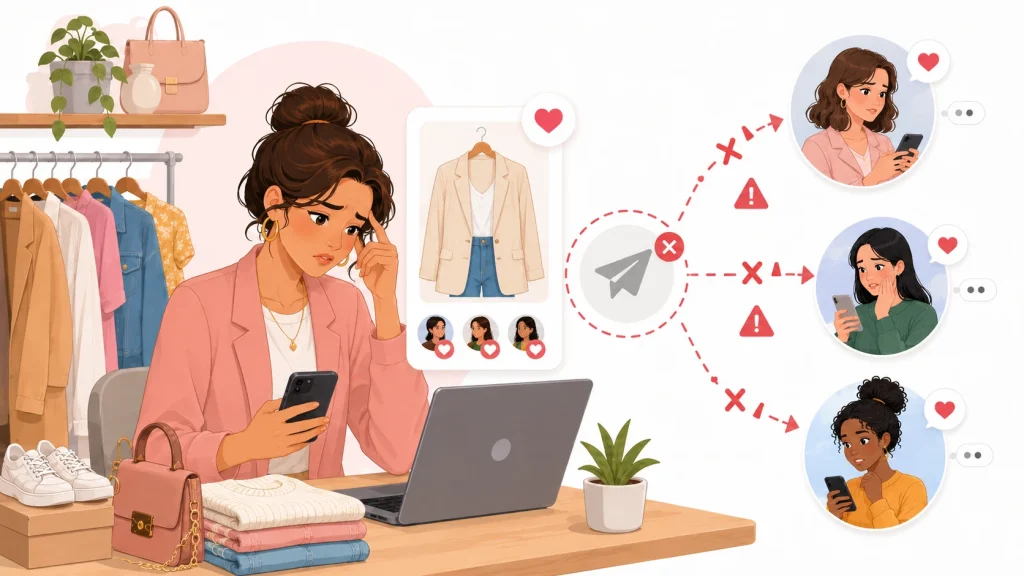
If you sent an offer to Poshmark likers and it didn’t reach them, there may be a rule-based reason behind it. Here are the most common causes.
1. Your New Offer Is Not Low Enough
Poshmark requires later offers to be at least 10% below the lowest offer that a buyer received on that same listing within the past 90 days.
So, if you already sent a buyer a strong offer recently, they may not receive another one unless you lower it 10% or more.
2. There Is Already a Pending Offer
According to Poshmark, likers will not receive a new offer while a previous offer is still pending. They can only receive a new one after the current offer expires or is declined.
This will prevent likers from being flooded with overlapping offers on the same item.
3. You Are Confusing Offer to Likers with Closet Clear Out
If you expected Poshmark to send an event-style shipping discount, you may be thinking of Closet Clear Out, not a standard Offer to Likers.
The two features work differently, so the result you see may not match what you expected.
Frequently Asked Questions (FAQs)
Does Poshmark require a shipping discount when sending an Offer to Likers?
Yes. To send an offer to likers, Poshmark requires you to offer a discount of at least 10% off your current listing price. You can also opt to offer a shipping discount (not mandatory). However, the cost of this shipping discount will be deducted directly from your final earnings.
Why is Poshmark telling me my offer must be 10% below the lowest historical price?
Poshmark has a “lowest historical price” rule to prevent sellers from sending the same offer repeatedly or fluctuating prices.
When you send an offer to likers, it must be at least 10% lower than the lowest price you have offered for that item in the past 90 days.
If you recently dropped the price or sent a better offer, your new offer must beat that previous low.
Can buyers counteroffer an offer from the seller on Poshmark?
Yes, absolutely. When a buyer receives an offer, she has 24 hours to act on it. She can choose to accept it, ignore/decline it, or counteroffer with a price she is more comfortable with.