Skip to content

Sharing
Connect your Poshmark closet.
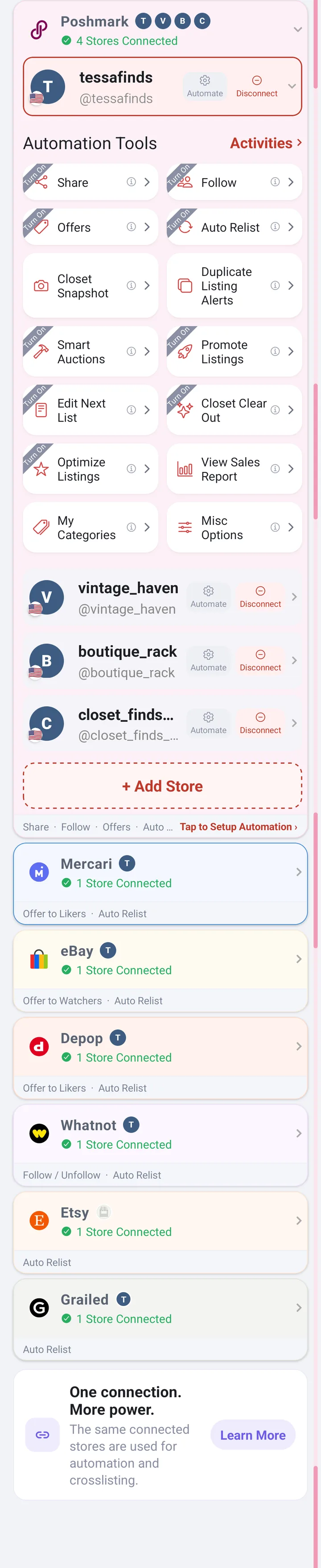
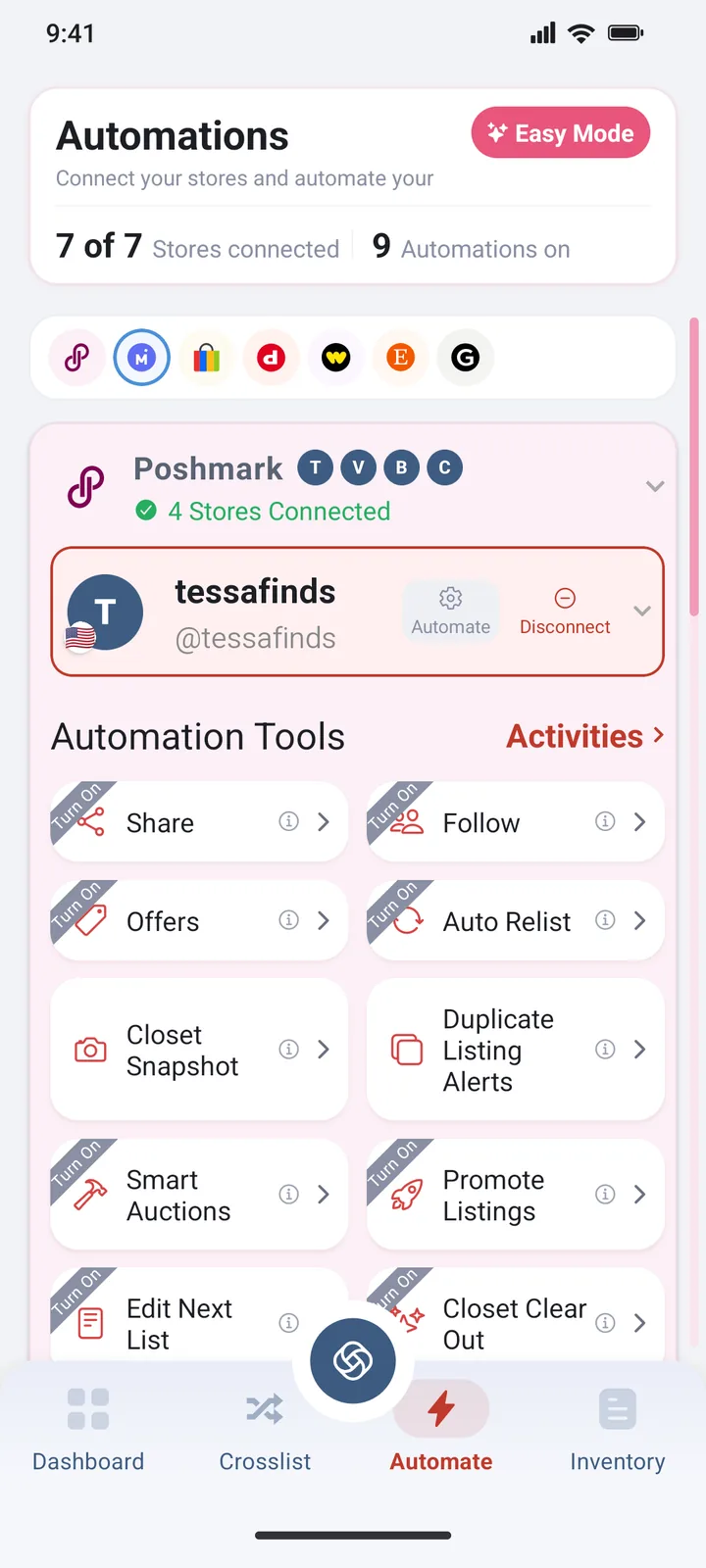
Link Poshmark once in the Automations tab, then turn on Share in the Poshmark automation tools.
Poshmark sharing
Sidekick Tools shares your Poshmark listings to your followers and live Posh Parties, shares from the community and sends share backs. It runs on our servers, so it keeps sharing when your phone is off.
4.6Google Play, 964 ratings4.6Trustpilot, 62 reviews



Link Poshmark once in the Automations tab, then turn on Share in the Poshmark automation tools.
Sharing
Sidekick Tools shares your own listings to your followers through the day, in the order you pick: reverse, by category or by size.
Sharing
Your listings are shared to live Posh Parties too, so they reach shoppers browsing the party.
Sharing
It shares listings from other closets, which invites those sellers to share yours, and it returns a share to people who share your listings.
Shares go out at randomized intervals and within daily limits. Safety Pause stops all activity during the hours you choose.
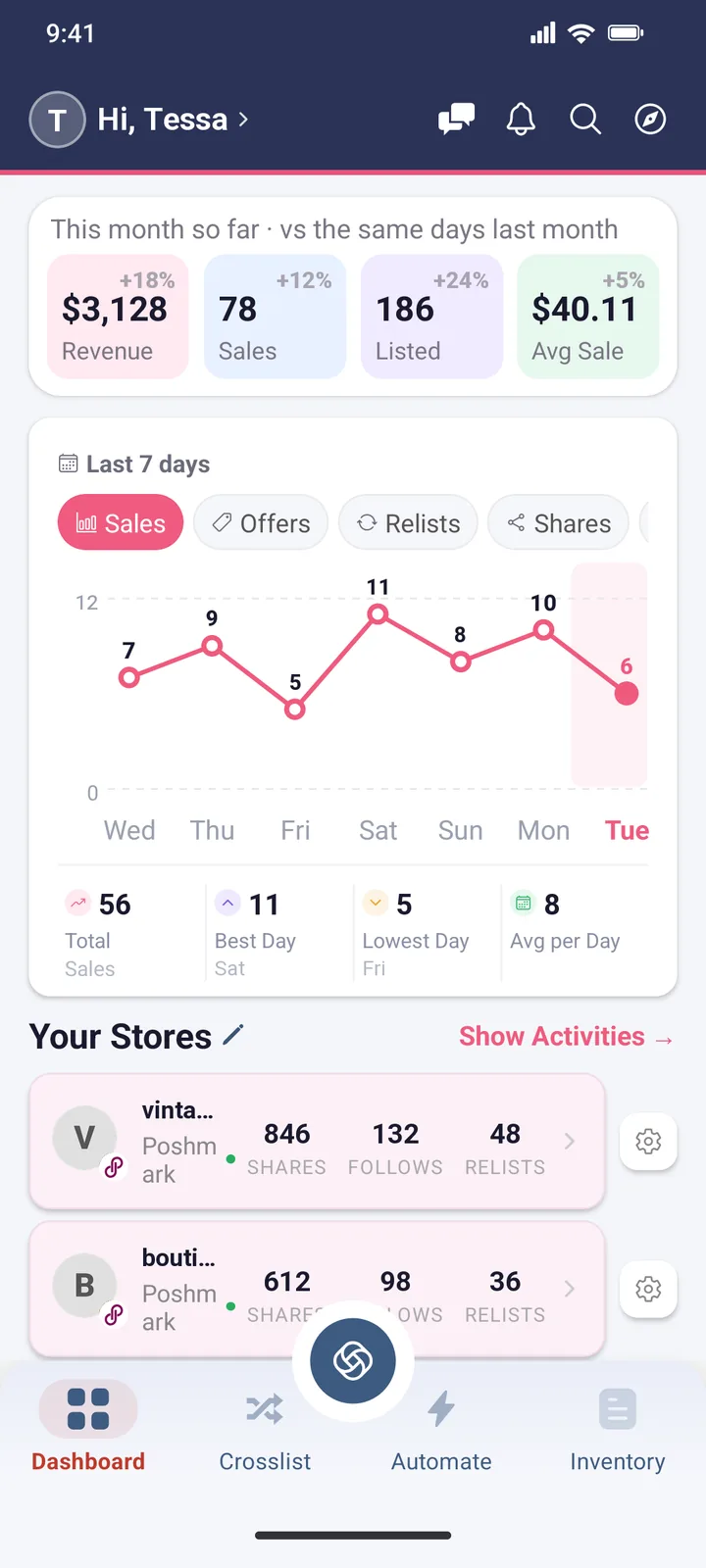
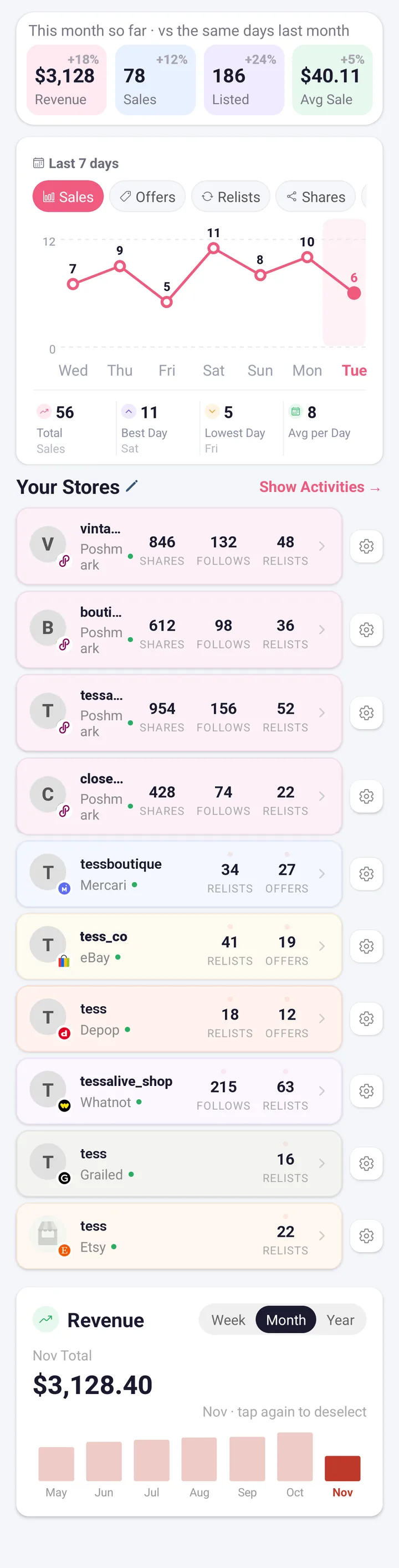
The dashboard shows shares, follows and relists for each Poshmark closet, and the last 7 days chart has a Shares tab.

Poshmark sharing
A Poshmark sharing tool is an app that shares your Poshmark listings for you, so your closet stays active without hours of tapping. Sidekick Tools handles all four kinds of shares: self shares, party shares, community shares and share backs.
On Poshmark, each share puts a listing back in front of shoppers. That is why sellers share their closets every day, and why sharing a big closet by hand takes so long.
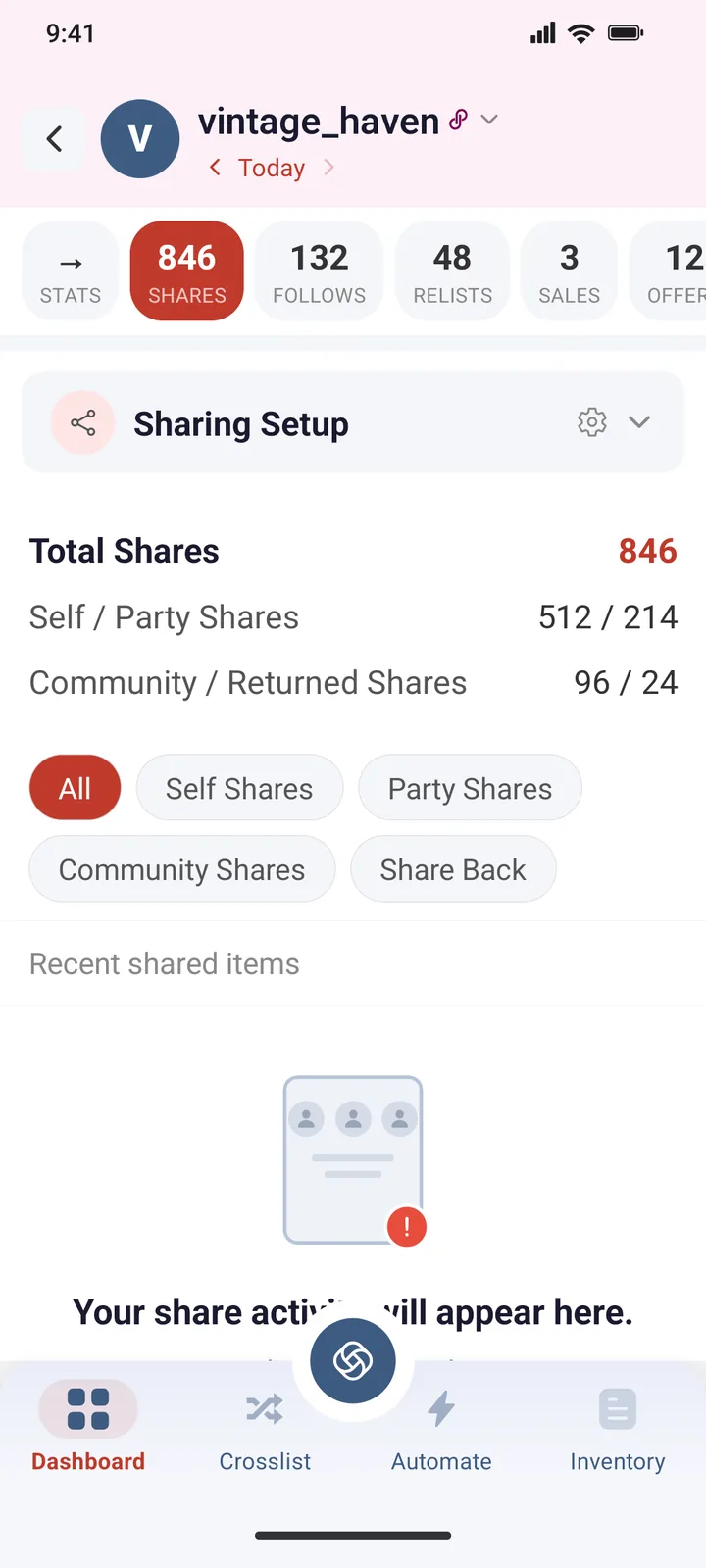
Sidekick Tools runs on our servers, not on your phone. Turn sharing on once and it keeps going while you source, ship or sleep. The Activities screen shows what it shared today, split into self and party shares and community and returned shares.
Sharing is one part of the Poshmark Bot. The same app follows, sends offers to likers, relists and crosslists to 6 more marketplaces. Pricing a listing? See what you keep with the Poshmark fee calculator.
Share types
| Share type | What Sidekick Tools does | Activities filter |
|---|---|---|
| Self shares | Shares your own listings to your followers through the day | Self Shares |
| Party shares | Shares your listings to live Posh Parties | Party Shares |
| Community shares | Shares listings from other closets, which invites those sellers to share yours | Community Shares |
| Share backs | Returns a share to people who share your listings | Share Back |
The Activities screen also totals today’s shares as Self / Party and Community / Returned, so you can see the mix at a glance.
Safe sharing
Pick the order your closet is shared in: reverse, by category or by size. Then set the sharing speed. Sidekick Tools does the rest on our servers, around the clock.

Why automate it







Customer reviews
Real reviews from resellers on Trustpilot and Google Play.
Stands head and shoulders above its supposed competition. I use it every day and am a huge fan. Plus, if there ever is a question they are extremely responsive. Love it!
It has made crosslisting a breeze. I love the charts, stats, sale notifications and everything about this app. Service when I have a problem is very fast, usually within 30 minutes.
I have had Sidekick for 4 weeks. This was my best month in a long time. I'm very happy using Sidekick. Customer service is great!
Sidekick Tools has changed my reseller game. It's made it so much easier to list items efficiently in much less time. Definitely doubled my profits monthly.
Get started
Sign in to Sidekick Tools and link your Poshmark closet from the Automations tab.
Open the Poshmark automation tools, turn on Share, and pick your sharing order and speed.
See today’s self, party, community and returned shares on the Activities screen.
A Poshmark sharing tool is an app that shares your Poshmark listings for you. Sidekick Tools does self shares, party shares, community shares and share backs, and it runs on our servers, so it keeps sharing when your phone is off.
Self shares share your own listings to your followers. Party shares share your listings to live Posh Parties. Community shares share listings from other closets, which invites those sellers to share yours back.
A share back is a share you return to someone who shared your listings. Sidekick Tools sends share backs automatically, and the Activities screen lists them under the Share Back filter.
Sidekick Tools shares with randomized timing and daily limits, and Safety Pause stops all activity during the hours you choose. Your login is encrypted and your Poshmark password is not stored. No tool can promise zero risk, so read Poshmark’s current terms before you turn automation on.
Yes. Sidekick Tools makes real shares through your closet, so they count like shares you make by hand and show up in your activity.
Yes. You can share your closet in reverse order, by category or by size, and you set the sharing speed.
Yes. Sharing runs on our servers, not on your phone. Check on it from an iPhone, Android, iPad, Mac or any web browser.
Start with a free 7-day trial, no credit card required. Self shares, party shares, community shares and share backs are part of every automation plan, from $29.99 a month. See pricing.
One app
Start your free trial
Self shares, party shares, community shares and share backs, running on our servers. Start your free 7-day trial today. No credit card required.