 Skip to content





AI virtual try-on
The AI stock photo creator that puts your clothes on models
Load one of your listings or snap a photo of a clothing item, and the Stock Photo Creator puts it on an AI model: a virtual try-on photo for your listing, made from a flat lay or hanger shot. No photoshoot, no model to book.
No credit card required. Android, iOS and web.




Get the app on iPhone, Android or the web
Supported marketplaces







Before and after
From a hanger photo to a virtual try-on model shot.
Here is a denim jacket photographed on a hanger, and the virtual try-on photo the AI Stock Photo Creator made from it. Drag the handle to compare.
- Start from a photo you already have: a closet listing, or a picture from your camera or gallery.
- The AI picks a model to suit the item.
- Download the result watermark-free and add it to your listing.


How it works
How the Sidekick Tools stock photo creator works
Start
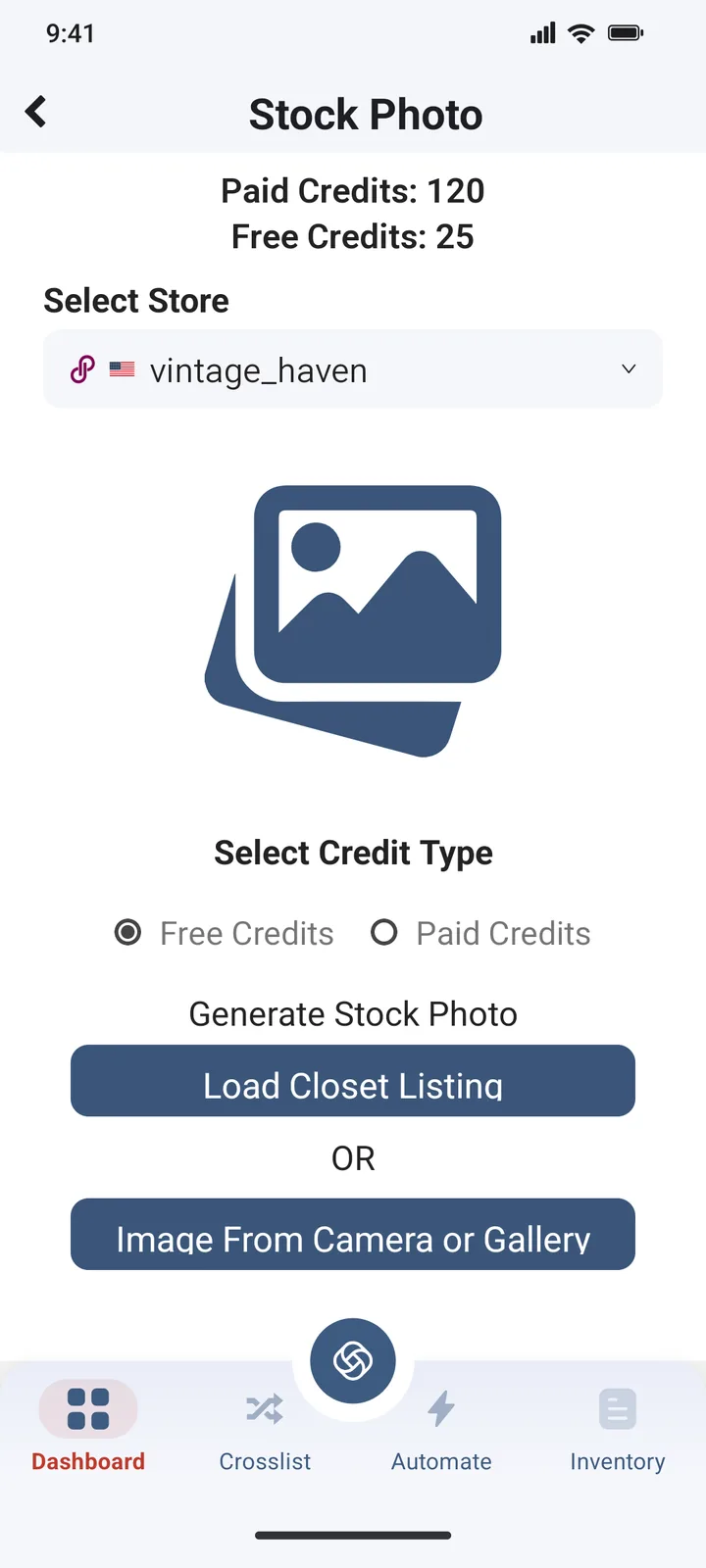
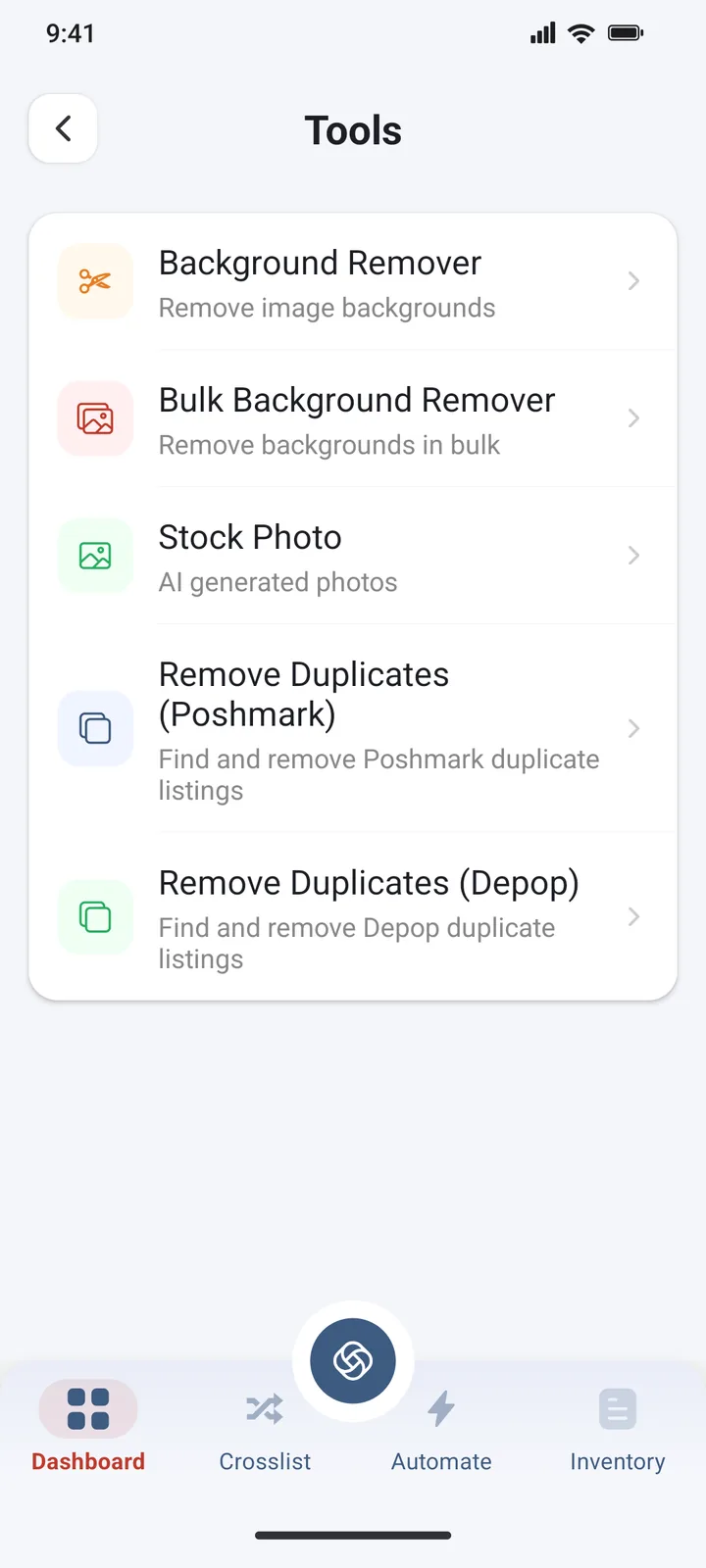
Open Stock Photo from Tools.
Stock Photo sits in the Tools screen, next to Background Remover and Bulk Background Remover. Tap it to start.

Start
Pick a store and a photo.
Choose a store under Select Store. Then tap Load Closet Listing to start from one of your listings, or Image From Camera or Gallery to use a new photo.

Start
Choose free or paid credits.
The top of the screen shows your Paid Credits and Free Credits. Pick which balance to spend under Select Credit Type before you generate.

Generate
The AI picks the model.
You do not need to choose a model. The AI selects one to suit your item, from t-shirts, tops and outerwear to jeans, trousers and shorts.
- Photo loaded
- Model selected
Generate
Preview, then download.
Preview the photo of your item on a model, then download it. The photos are watermark-free.
- Stock photo ready
- Downloaded
List it
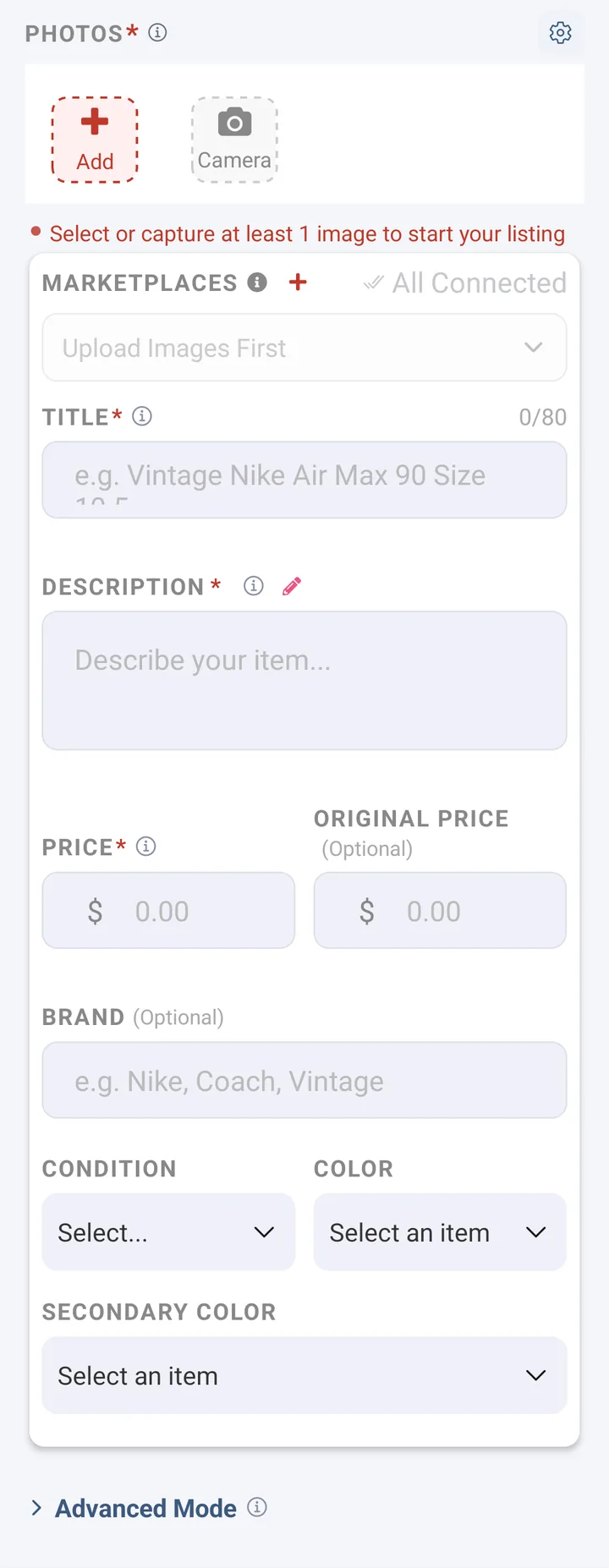
Add it to a listing and crosslist.
Add the new photo in Create Listing like any other picture, then publish the listing to Poshmark, eBay, Mercari, Depop, Whatnot, Etsy and Grailed.
- Listed on Poshmark
- Listed on Mercari
- Listed on eBay
- Listed on Depop
- Listed on Whatnot
- Listed on Etsy
- Listed on Grailed




AI stock photos
What is an AI stock photo creator?
An AI stock photo creator, also called AI virtual try-on for clothes, turns a plain photo of your item into a photo of the item being worn by a model, without a photoshoot. In Sidekick Tools it is the Stock Photo Creator, the Stock Photo tool in the app, next to the background removers.
Shoppers know virtual try-on as seeing clothes on themselves. For resellers it works the other way round, as an AI clothing model generator: you put your clothes on an AI model, starting from a flat lay or hanger photo, and use the result in your listing.
Most resellers shoot clothing flat on the floor or on a hanger. Those photos show the item, but not how it looks on a person. A model shot helps a buyer picture the fit, and hiring a model or a photographer for every listing is not realistic when you list every day.
With Stock Photo you start from a photo you already have. Load one of your closet listings or pick an image from your camera or gallery, and the AI selects a model to suit the item. Preview the result and download it, watermark-free.
The photo then goes into your listing like any other picture, so you can crosslist it to 7 marketplaces with the cross posting tool. Need a clean background instead? Background Remover and Bulk Background Remover sit on the same Tools screen.
Credits
Free credits and paid credits, side by side.
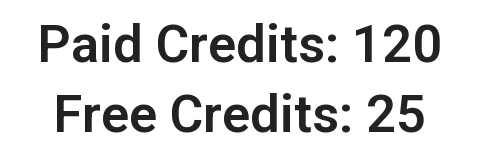
The Stock Photo screen shows two balances at the top: Paid Credits and Free Credits. Before you generate, choose which one to spend under Select Credit Type.
- Automation plans include Stock Photo at 5 per week.
- Need more? Credit packs are one-time purchases you can add to any plan: $9.99 one-time, 50 or 125 credits.
- Credit packs do not renew, so there is no extra monthly charge.

Pricing
Which plans include the stock photo creator?
Stock Photo comes with every automation plan, and one-time credit packs add more.
| Plan | Price | Stock Photo |
|---|---|---|
| Automation Basic | $29.99 a month | 5 per week |
| Automation Silver | $49.99 a month | 5 per week |
| Automation Gold | $59.99 a month | 5 per week |
| Cross Posting Enterprise | $44.99 a month | |
| Cross Posting Basic, Silver and Gold | $9.99 to $29.99 a month | |
| Stock Photo credit pack | $9.99 one-time | 50 or 125 credits |
From the pricing page on . The Stock Photo pack lists advanced AI model options and downloadable, watermark-free photos. A separate Regeneration pack ($9.99 one-time, 50 or 125 credits) lists standard AI model options. Credit packs do not renew.
Photo tools
Three photo tools on one screen
Everything in the Tools screen that makes listing photos cleaner.
Stock Photo
Virtual try-on for clothes: puts your item on an AI generated model, starting from a closet listing or a camera or gallery photo.

Background Remover
Removes the background from a single photo so the item stands out.
Bulk Background Remover
Removes backgrounds from a whole batch of photos at once.


Customer reviews
Resellers love it. Hands down.
4.6on Google Play, from 964 ratings
Real reviews from resellers on Trustpilot and Google Play.
Sidekick Tools has changed my reseller game. It's made it so much easier to list items efficiently in much less time. Definitely doubled my profits monthly.
It has made crosslisting a breeze. I love the charts, stats, sale notifications and everything about this app. Service when I have a problem is very fast, usually within 30 minutes.
Stands head and shoulders above its supposed competition. I use it every day and am a huge fan. Plus, if there ever is a question they are extremely responsive. Love it!
This app has boosted my sales by 50%. I have little to no problems crosslisting. It's a great app!
Get started
Make your first AI stock photo
Start your free trial
Install Sidekick Tools on iPhone or Android, or open the web app, and start the free 7-day trial. No credit card required.
Open Stock Photo
Go to Tools, tap Stock Photo and choose your store.
Generate and download
Load a closet listing or a photo, pick free or paid credits, then preview and download your stock photo.
What is AI virtual try-on for clothes?
AI virtual try-on puts a clothing item on a model in a photo, without a photoshoot. In Sidekick Tools it is the Stock Photo Creator: start from a flat lay or hanger photo of your item, and the AI makes a photo of it on a model that you can use in your listing.
Can I put my clothes on an AI model?
Yes. Load one of your closet listings or pick a photo from your camera or gallery, and the AI selects a model to suit the item. It works for clothing such as t-shirts, tops and outerwear, jeans, trousers and shorts.
Is there a free AI virtual try-on?
The Stock Photo screen has a Free Credits balance next to Paid Credits, and every Automation plan includes 5 stock photos a week. You can also try it during the free 7-day trial, with no credit card needed to start.
What is an AI stock photo creator?
An AI stock photo creator turns a plain photo of a clothing item into a photo of the item on a model, without a photoshoot. In Sidekick Tools it is the Stock Photo tool in the Tools screen.
How do I create an AI stock photo in Sidekick Tools?
Open Tools, tap Stock Photo and pick a store. Tap Load Closet Listing or Image From Camera or Gallery, choose free or paid credits, then preview and download the result.
What kind of items work?
Clothing items: anything from t-shirts, tops and outerwear to jeans, trousers and shorts.
Do I have to choose the model?
No. The AI automatically selects a model to suit your item, so you only provide the photo.
How much does the stock photo creator cost?
The automation plans, from $29.99 a month, include Stock Photo at 5 per week, and the Enterprise crosslisting plan includes the AI Stock Photo Creator. For more, the pricing page lists a one-time Stock Photo credit pack: $9.99 one-time, 50 or 125 credits. The credit pack is one-time, not monthly.
Are the photos watermarked?
No. The pricing page lists Stock Photo results as downloadable, watermark-free photos.
Can I use AI stock photos on Poshmark, eBay and Mercari?
Each marketplace sets its own photo rules, so check the listing policy of the marketplace you sell on. The stock photo is made from a photo of your own item.
Can Sidekick Tools remove photo backgrounds too?
Yes. The Tools screen also has Background Remover for one photo and Bulk Background Remover for a batch. Automation plans list the single image background remover at 50 a day.
One app
Works with the rest of Sidekick Tools
- Bulk Listing ToolEdit, delist, relist and crosslist many listings at once.
- Cross Posting ToolList once and publish to 7 marketplaces.
- Poshmark BotSharing, follows, offers and relisting for your Poshmark closets.
- eBay Automation ToolsOffers to watchers and auto relist on eBay.
- Mercari BotOffers to likers and auto relist on Mercari.
- Relisting ToolAuto relist on all 7 marketplaces.
Put your clothes on an AI model today.
AI stock photos with virtual try-on, background removal and crosslisting to 7 marketplaces in one app. Start your free 7-day trial. No credit card required.