 Skip to content


Selling on Depop is like a full-time job. I know, because I’ve lived it.
From refreshing listings and following new Depopers every day to sending offers to those who liked your Depop listing, the hustle never ends.
That’s why I started testing the best Depop bots I could find.
These bots handle the boring, repetitive work while I focus on sourcing and shipping my Depop orders.
But not every Depop bot is worth your money. Some will get your Depop account flagged, and others simply don’t deliver the features they claim to offer.
I spent months using some of the best Depop bots, and in this guide, I’ll walk you through my top five picks for Depop resellers.
You’ll see what each Depop bot does well, where it falls short, and who it suits best. So, let’s begin.
What is a Depop Bot and What It Does?
A Depop bot is third-party software that automates the repetitive work of running a Depop shop. It connects to Depop’s servers and performs actions on your behalf that you’d otherwise do manually.
The core features of a Depop bot include relisting (refreshing items so they climb back up Depop search results) and sending automatic offers to people who’ve liked your Depop items.
Moreover, a Depop bot is used to auto follow and unfollow Depopers, and edit Depop listings in bulk to change prices, titles, or descriptions across many items at once instead of one by one.
What to Consider Before Choosing the Best Depop Bot?
1. Account Safety
This is the first thing to consider, not the last.
Depop’s Terms of Service discourage aggressive bots. Depop bots that spam follows or refresh listings hundreds of times an hour are the ones most likely to get flagged.
Look for a Depop automation bot that lets you set human-like delays, daily limits, and randomized timing rather than one that promises “unlimited” actions.
Remember that only you, not the Depop bot developer, will face the consequences if your Depop shop gets restricted.
2. The Features You’ll Actually Use
It’s easy to be sold on a long feature list and then use two features. Decide what your bottleneck really is.
If your Depop listings sink in search, auto-relist is the feature you need the most. If you’re looking to automate sending offers on Depop, then you need a Depop bot that has the auto offer to likers feature.
Additional features like sales analytics, bulk listing editing, and multi-shop support are useful for high-volume sellers but add cost and complexity for sellers with only twenty Depop listings.
3. Ease of Setup and Day-to-Day Use
A Depop bot you find confusing is a bot you’ll abandon.
Chrome-based bot extensions are usually the quickest to install and run while your desktop or laptop is on. Meanwhile, cloud-based Depop bots cost more but keep working even when your laptop is closed.
Check whether the dashboard is clear, whether settings can be changed without digging through menus, and whether there’s a way to pause everything instantly if something looks wrong.
Good documentation, setup walkthroughs, and short video guides are strong signals of a well-built Depop bot.
A free trial is the fastest way to find out if the bot’s interface suits you.
4. Pricing and Value
Compare the monthly price of a Depop bot against what your time is actually worth and what the bot realistically offers.
Some Depop bots charge per shop, some per feature, and some hide the useful features behind a top-tier plan.
Also, watch for automatic renewals, difficult subscription cancellation processes, and lifetime deals from bot developers with no track record.
Free Depop bots are rarely free in practice. They may be ad-supported, limited to a handful of actions, or monetized through your data.
A Depop bot with a monthly fee from a trusted developer with a refund policy is usually safer than an unknown one-off purchase.
5. Support & Updates
Depop changes its app regularly, and when it does, most Depop bots break. What matters is how quickly the bot developer patches things.
Check how recently the Depop bot was updated, whether there’s a changelog, and how active the support channel is, whether that’s email, live chat, or a Discord community.
Also, read independent reviews and seller forum threads rather than relying on testimonials on the Depop bot’s sales page.
Recurring complaints about unanswered tickets, sudden price rises, or Depop accounts being restricted are worth taking seriously.
5 Best Depop Bots in 2026
| Sidekick Tools | Bump | Nifty | Resellify Pro | SellerAider | |
| Bot Type | Android, iOS, & Web App | Chrome Extension | Web App | Chrome Extension | Chrome Extension |
| Auto Offer to Likers | Included | Not Included | Included | Not Included | Included |
| Auto Relisting/Refreshing/Bump | Included | Included | Included | Included | Included |
| Auto Follow/Unfollow | Not Included | Included | Not Included | Included | Not Included |
| Auto Likes | Not Included | Included | Not Included | Included | Not Included |
| Other Marketplaces Automation | Poshmark Automation + Mercari Automation + Whatnot Automation + eBay Automation | Not Included | Poshmark Automation + Mercari Automation + eBay Automation | Not Included | Poshmark Automation + Vinted Automation |
| Price | $29.99/month | $14.99/month | $35.99/month | $9.99/month | $18/month |
1. Sidekick Tools
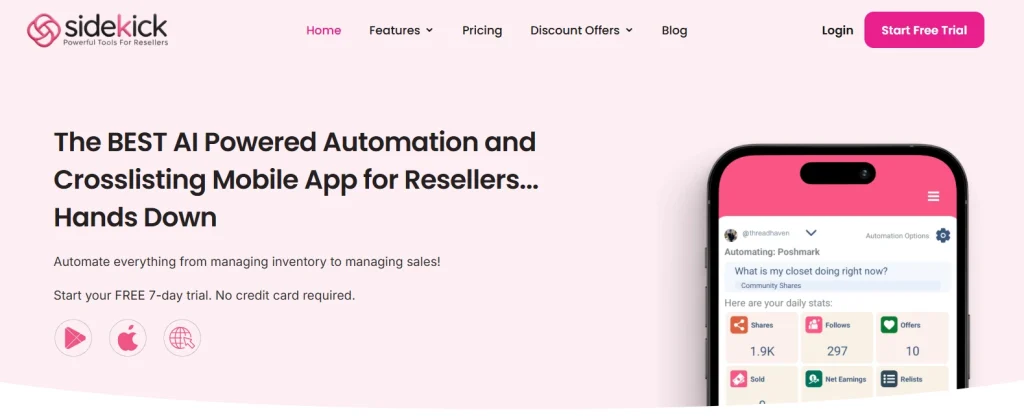
Sidekick Tools (formerly Posh Sidekick) ranks #1 on our best Depop bots list for a reason.
It’s a native iOS and Android app, moreover, it has a web app, so automations aren’t tied to a Chrome window that has to stay open on a desktop.
For Depop sellers, the best feature of the Sidekick Tools app is the relisting feature that pushes stale items back toward the top of Depop search.
Also, the send offers to likers feature within the Sidekick Tools app is incredibly useful for those who want to send discount offers to likers on Depop the moment they engage.
Apart from Depop automation features, Sidekick Tools also has automation features for Poshmark, Mercari, Whatnot, and eBay.
Moreover, there is this crosslisting feature that cross posts items to 7 different marketplaces. There is also an auto-delisting feature that auto delists sold items so you never get caught double-selling.
Lastly, Sidekick Tools has features like bulk editing tools to bulk edit hundreds of Depop listings, AI stock photo creator that places flat-lay clothing on professional models, a bulk background remover, an AI description generator, and sales reporting.
Pros
1. iOS/Android/web apps instead of a desktop Chrome extension. Cloud-based, so nothing runs on your device.
2. The offer to likers feature closes the gap Depop sellers feel most.
3. Free 7-day trial with no credit card, $29.99/month for full access, or $9.99/month for crosslisting only.
4. Crosslisting and auto-delisting feature.
5. Includes bulk background remover and AI stock photo creator, which matter more on Depop than other marketplaces.
Cons
1. Auto follow option is not available for Depop.
2. No Depop-only plan. You have to buy the $29.99/month plan that supports automation for 5 marketplaces and crosslisting for 7 marketplaces.
Pricing
Sidekick Tools pricing starts at $9.99/month for crosslisting only and $29.99/month for full app access. Free 7-day trial, no credit card required.
2. Bump
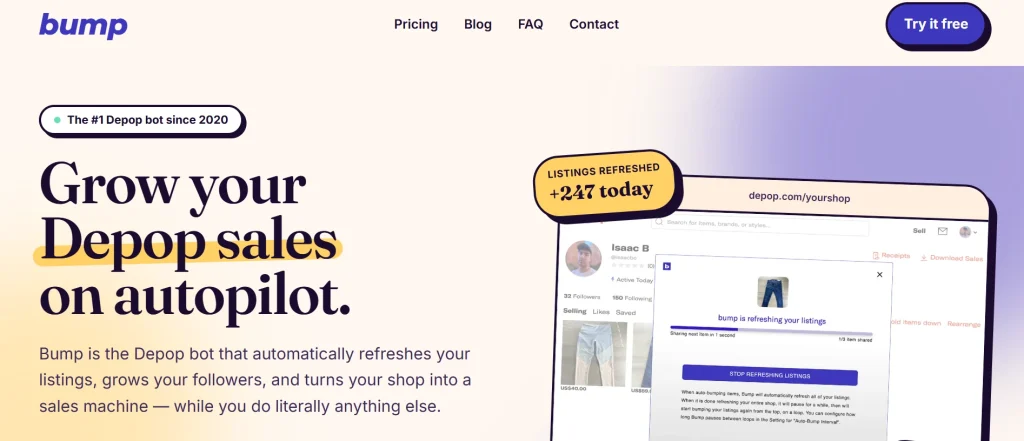
Bump has been one of the best Depop bots since 2020, and thousands of sellers trust it to run their Depop shops.
Bump handles the work no Depop seller enjoys. It automatically refreshes your listings and follows people for you.
Speed is where Bump stands out. You can refresh your Depop shop in minutes, then let the bot repeat the job on its own schedule.
Setup stays just as simple. Bump installs as a Chrome extension, so you add it, connect your Depop shop, and start in minutes.
Price sets it apart from every rival. Bump is the only Depop bot that offers a free plan, which makes it risk-free to try.
If you have only a couple of items listed on your Depop shop, the free plan will cover you completely. You can move to a paid plan when you grow.
Bump gives Depop sellers real Depop automation, follower growth, and hands-off listing refreshes in one Chrome extension, all while you focus on sourcing stock and running your reselling business.
Pros
1. Runs inside Depop. No separate dashboard needed.
2. Unlimited refreshes, relisting, following, and product liking.
3. Looping / continuous refreshing.
Cons
1. Runs only as a desktop Chrome extension, ruling out mobile-first Depop sellers.
2. Multi-channel sellers must still clean up inventory after off-platform sales.
Pricing
Bump’s pricing starts at $14.99/month for paid plans.
3. Nifty

Nifty is another automation tool that is worth buying for Depop sellers. It does three jobs at once instead of one. It is an all-in-one solution offering crosslisting, automation, and analytics in a single, AI-powered suite.
Crosslisting comes first. Nifty imports your active listings in one click, uses AI to match them, and fills in fields across marketplaces so you only review.
Also, coverage is wide. Nifty works with Depop, Poshmark, eBay, Mercari, Etsy, and Whatnot, so one inventory feeds every shop you run.
Nifty offers two major automation features for Depop sellers: relisting and sending offers automatically.
Automation runs in the cloud so it doesn’t matter if your computer is on or off.
Safety is built in, too. A proprietary safety algorithm helps keep your Depop and other marketplace accounts compliant while the bot runs.
Moreover, Nifty tracks every sale, breaks out fees, and organizes expenses, giving you real profit numbers instead of guesses.
That data turns into direction. Interactive charts and profit reports show what sells, so you source smarter next time.
For any reseller wanting crosslisting software, marketplace automation, and reselling analytics in one place, Nifty is a strong pick.
Pros
1. Caps relisting to stay within Depop limits, lowering the risk of account restrictions.
2. Edit photos and remove backgrounds via the built-in Photoroom integration before you publish listings.
3. Pulls sold listings from connected marketplaces automatically, preventing double sales and refunds.
Cons
1. Nifty works in a mobile browser, but there’s no iOS or Android app.
2. AI listing generation, bulk editing, automation rules, and photo tools take time to master.
Pricing
Nifty’s marketplace automation plans start at $35.99/month.
4. Resellify Pro
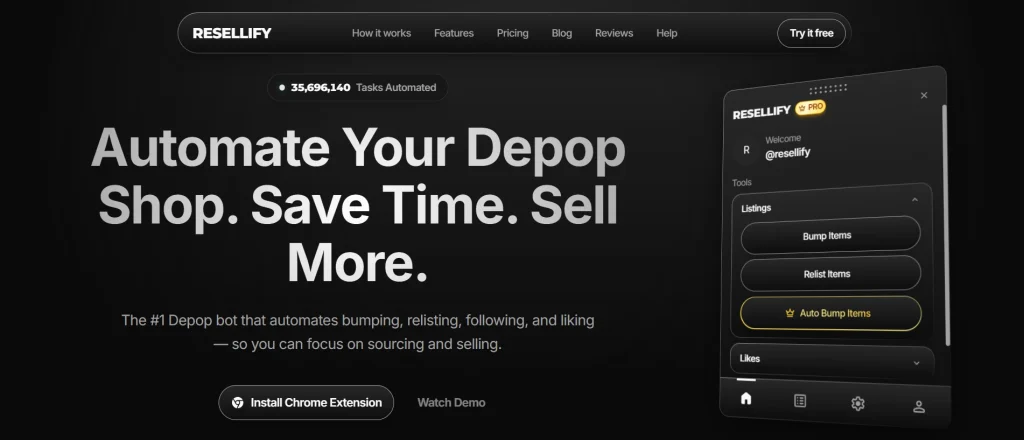
Resellify Pro is a Depop bot Chrome extension. It automates bumping, relisting, following buyers and competitors’ followers, liking products, and unfollowing.
Bumping keeps your Depop shop visible without clicks. Resellify gives you unlimited refreshes, and you can also schedule them.
Relisting handles the stale stuff. Resellify preserves photos, descriptions, and pricing, and lets you choose exactly which Depop items to relist instead of forcing an all-or-nothing run.
Safety is baked in, not left to you. Built-in delays run automatically and can’t be adjusted, which prevents unsafe settings.
Setup takes almost no time. Install from the Chrome Web Store, sign in, stay logged into Depop in the same browser, then pick a task and hit run.
For sellers who live on Depop alone, Resellify Pro is an affordable Depop bot for hands-off Depop automation.
Pros
1. Built-in delays and per-run caps reduce spam-flag risk.
2. Automates bumping, relisting, following, unfollowing, and likes on Depop.
3. Pro plan at $7.99 yearly is cheaper than most competitors’ entry-level plans.
Cons
1. Depop only. No Poshmark or Mercari automation for multi-marketplace sellers.
2. Requires an active Chrome session, so mobile-first Depop sellers can’t source and automate at once.
3. No cross-listing feature.
Pricing
Pricing for Resellify Pro begins at $9.99/month on a monthly billing cycle.
5. SellerAider
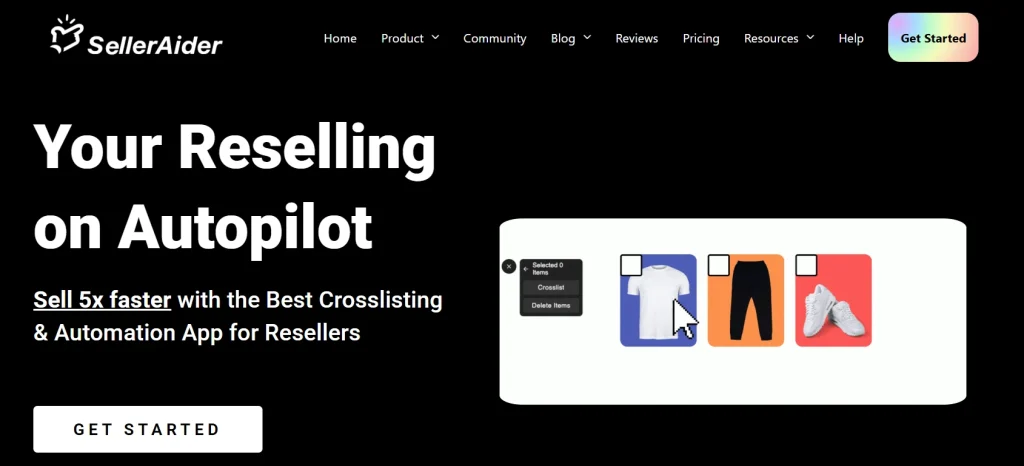
SellerAider bundles Depop automation and crosslisting into one reseller toolkit, so you handle daily tasks in a single place.
With SellerAider, you can refresh your Depop listings in seconds and get them back to the top of Depop search every day.
Also, you can automatically send offers to interested buyers on Depop with the SellerAider Chrome extension.
Listing itself takes seconds. Take a photo, and SellerAider will create the listing, edit images, find prices, and fill out every detail for you.
The Crosslisting feature pushes your Depop items to several marketplaces, so one item reaches many buyers.
Getting started costs nothing. SellerAider is free to try for 14 days, and it installs as a Chrome extension.
Pros
1. Everything runs in Chrome alongside Depop, so refreshing, following, and liking happen in one session.
2. Saved messages plus page-based targeting (likers, followers, buyers) let you run campaigns without sending each DM by hand.
3. Blacklist and whitelist options prevent accidental unfollows of Depop customers.
Cons
1. The bot runs as a Chrome extension, so it won’t suit Depop sellers who work mainly from their phones.
2. Automations are spread across different Depop screens, which is inconvenient for new users.
Pricing
Pricing for SellerAider starts at $18/month.
Frequently Asked Questions (FAQs)
Can Depop Bots get your account banned?
Yes, if you’re using a cheap script or a Depop bot built for mass following or relisting — that’s the behavior Depop flags. No, if you’re using a safe Depop bot like Sidekick Tools that paces actions like a human and sticks to relisting, offers, and crosslisting. Behavior gets you banned, not automation itself.
Is a Depop bot worth it for resellers?
A Depop bot is worth it if you’re managing 100+ Depop listings. Manual relisting eats hours weekly, and stale listings sink in the Depop feed. A Depop bot like Sidekick Tools automates relisting, Offer to Likers (OTL), and cross-listing to help you save time and get more sales.
What’s the safest Depop bot?
The safest Depop bot in 2026 is Sidekick Tools, which runs cloud-based with human-like timing, so nothing hammers Depop from your device.
Is there a free Depop bot?
Yes, there are a couple of Depop bots that run on a freemium model, including Sidekick Tools, which gives you a free 7-day unlimited trial with no credit card required. Fully free Depop bots are usually unmaintained scripts with no rate limiting, so they put both your Depop account and your login credentials at risk.
Should I hire a virtual assistant instead of using a Depop bot?
A virtual assistant usually costs $100–$1,200 monthly and still needs training, managing, and account access. A Depop bot handles the same repetitive work for a fraction of that, running 24/7. So, using a Depop bot is better than hiring a virtual assistant.


